



























Features

Integrations and connections


















To use Billit securely, we request that you verify the identity of a legal representative of your company. This is a requirement in Billit to give you access to secure e-invoicing networks such as Peppol.
How do you do this?
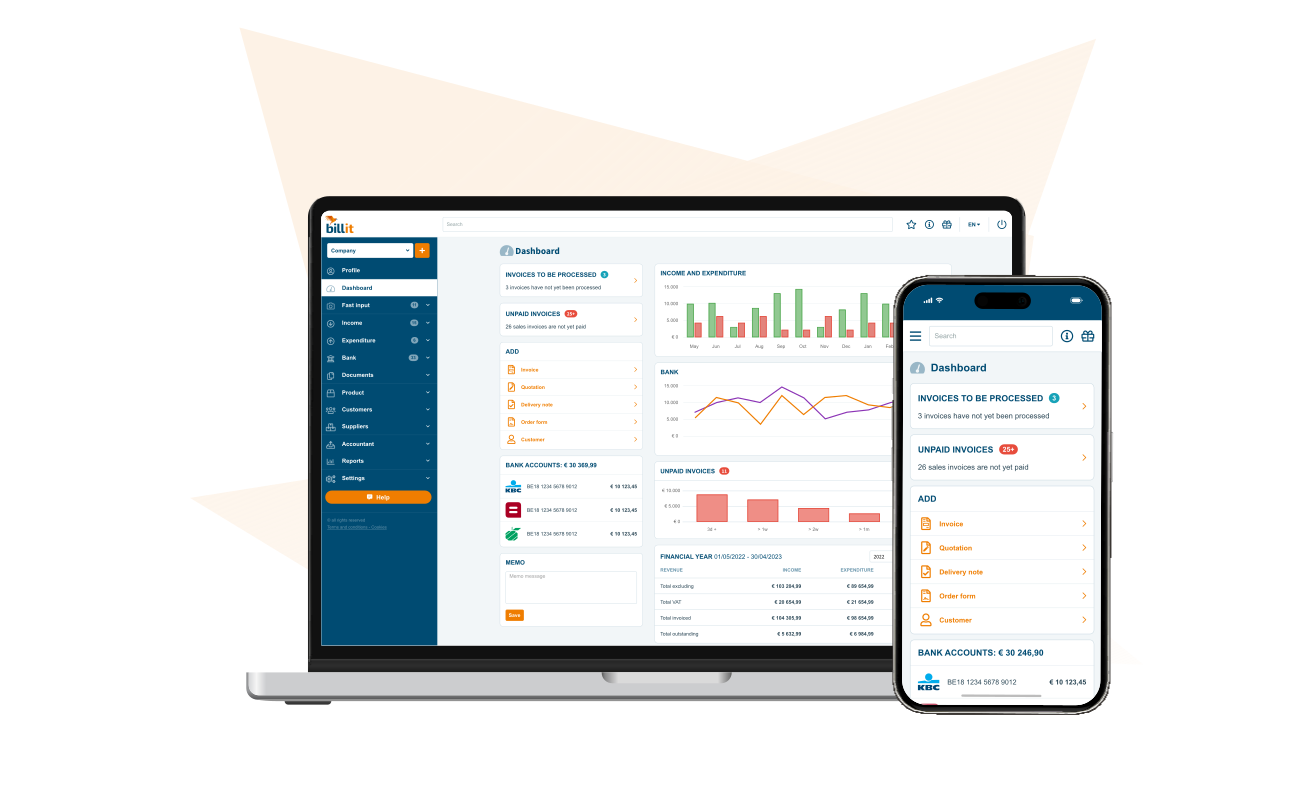
Go to the dashboard in Billit and, in the blue box ‘Complete your user profile’, select ‘Verify identity’.

Then choose the right option for your situation:

Once you have done this, Billit will check automatically whether the verified name is listed in the Crossroad Bank for Enterprises (CBE).
If it is, you will receive an automatic notification on the platform that verification has been successful. A user can then complete the Peppol registration.
If not, verification will not succeed, for example because the name of the legal representative is not listed explicitly in the CBE. You will receive notification of this on the platform. In that case, use a help ticket to send us a supporting document (e.g. an excerpt from the commercial register or the articles of association) that specifically mentions the verified legal representative.