



























Features

Integrations and connections


















To ensure the security and accuracy of company information, it is important that the identity of the company’s legal representative is correctly verified. You can easily check this via the Verification Center.
How do you check the status of the identity verification?
In the platform, go to My company. Navigate to the Verification Center section.
Check the status:
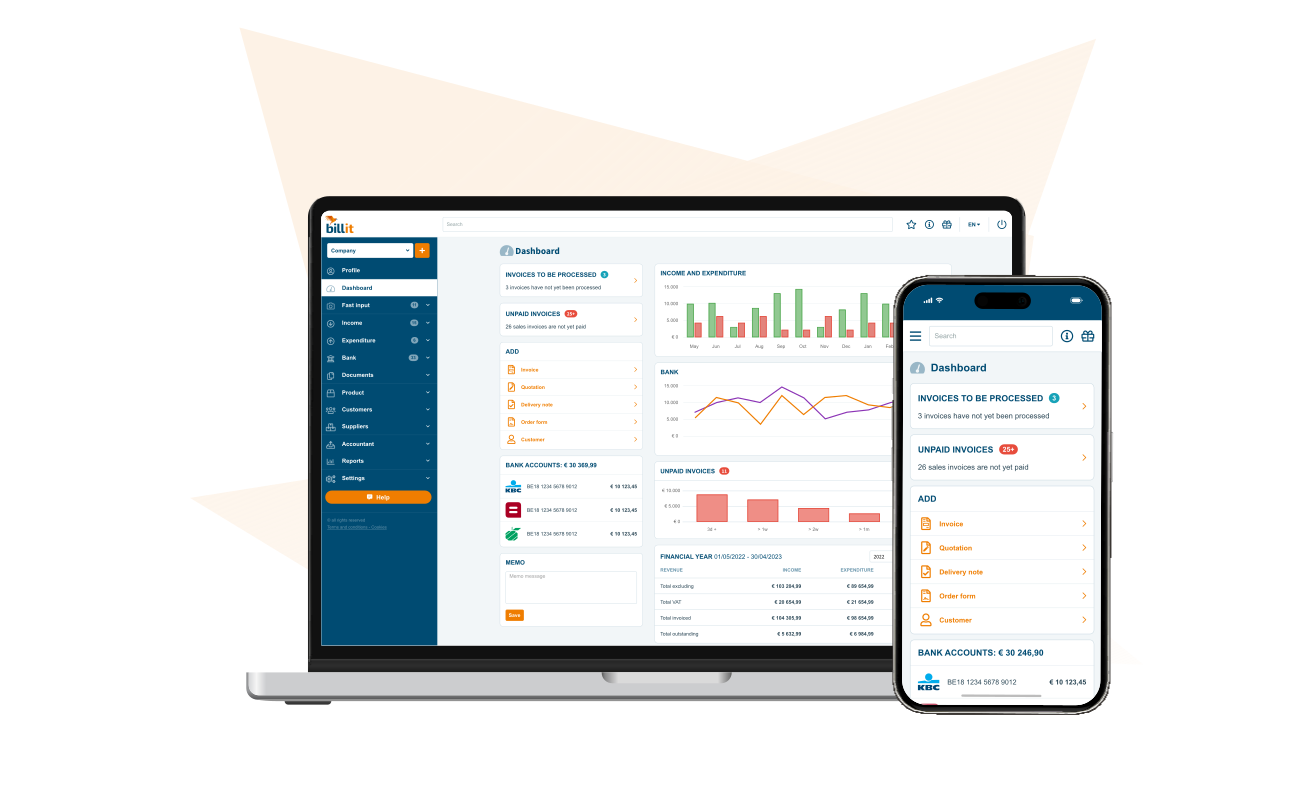
If the verification has not yet been completed, click the Verify button to start the verification process, or click Verify identity in the blue box on the dashboard.
Don’t forget to complete your registration on Peppol after the identity verification via My company > E-invoicing > Register at Peppol.